Live demand
Find busy areas nearby.
 CabRadar
Get App
CabRadar
CabRadar
Get App
CabRadar
Built for London taxi and PHV drivers
Improve your earnings by finding busy times and areas across London.
Download CabRadar free


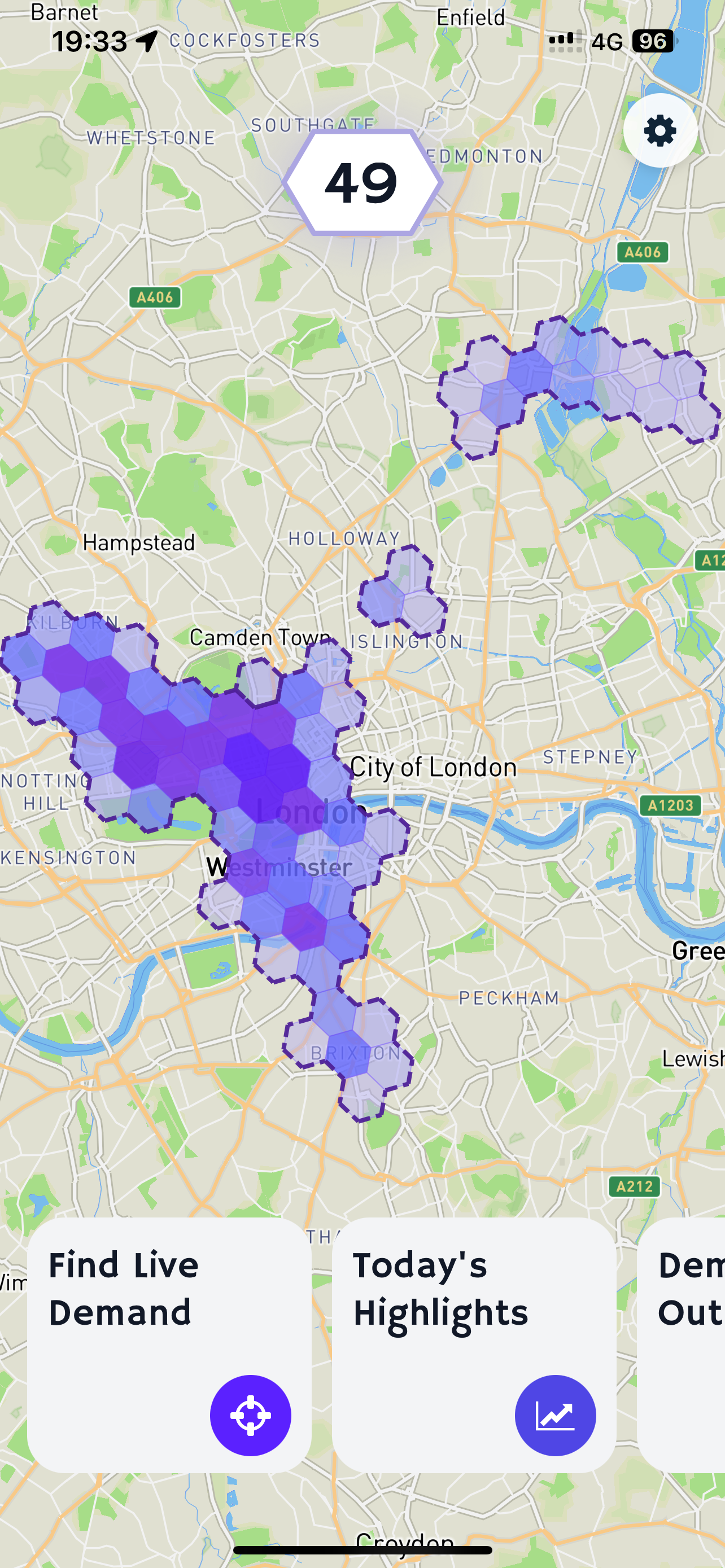
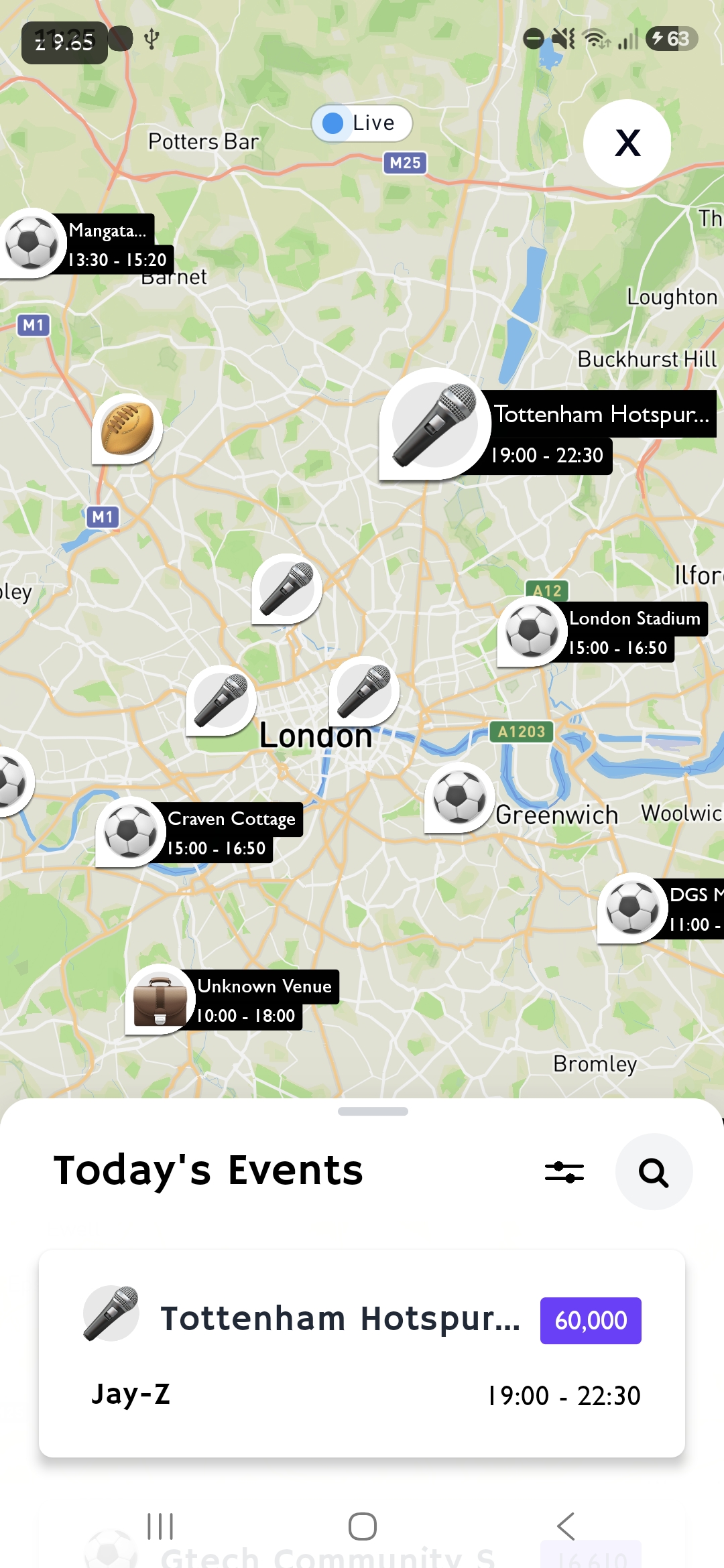
Live demand
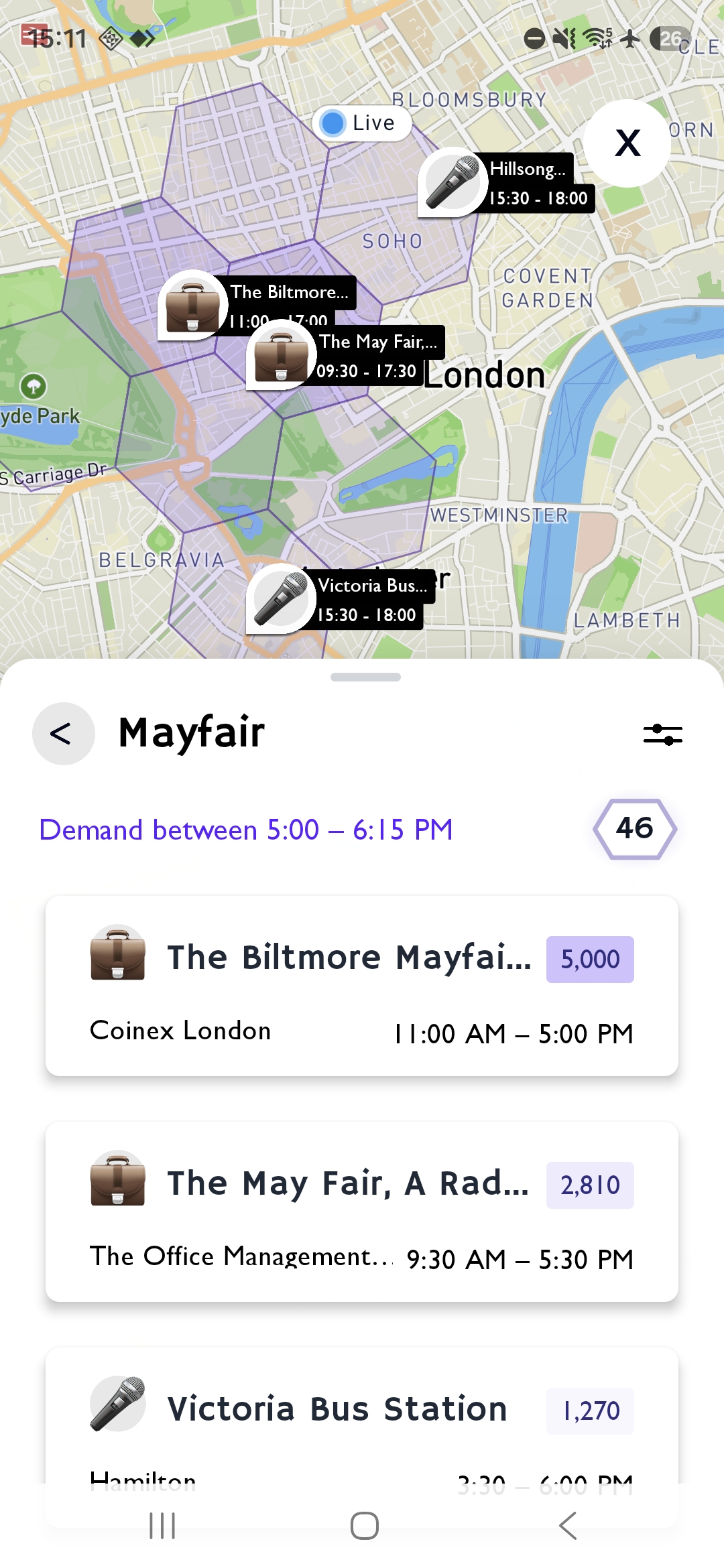
Quiet where you are? Check the map for nearby demand to decide where to go next.
CabRadar finds live demand by tracking transport disruptions, events, weather and air traffic.
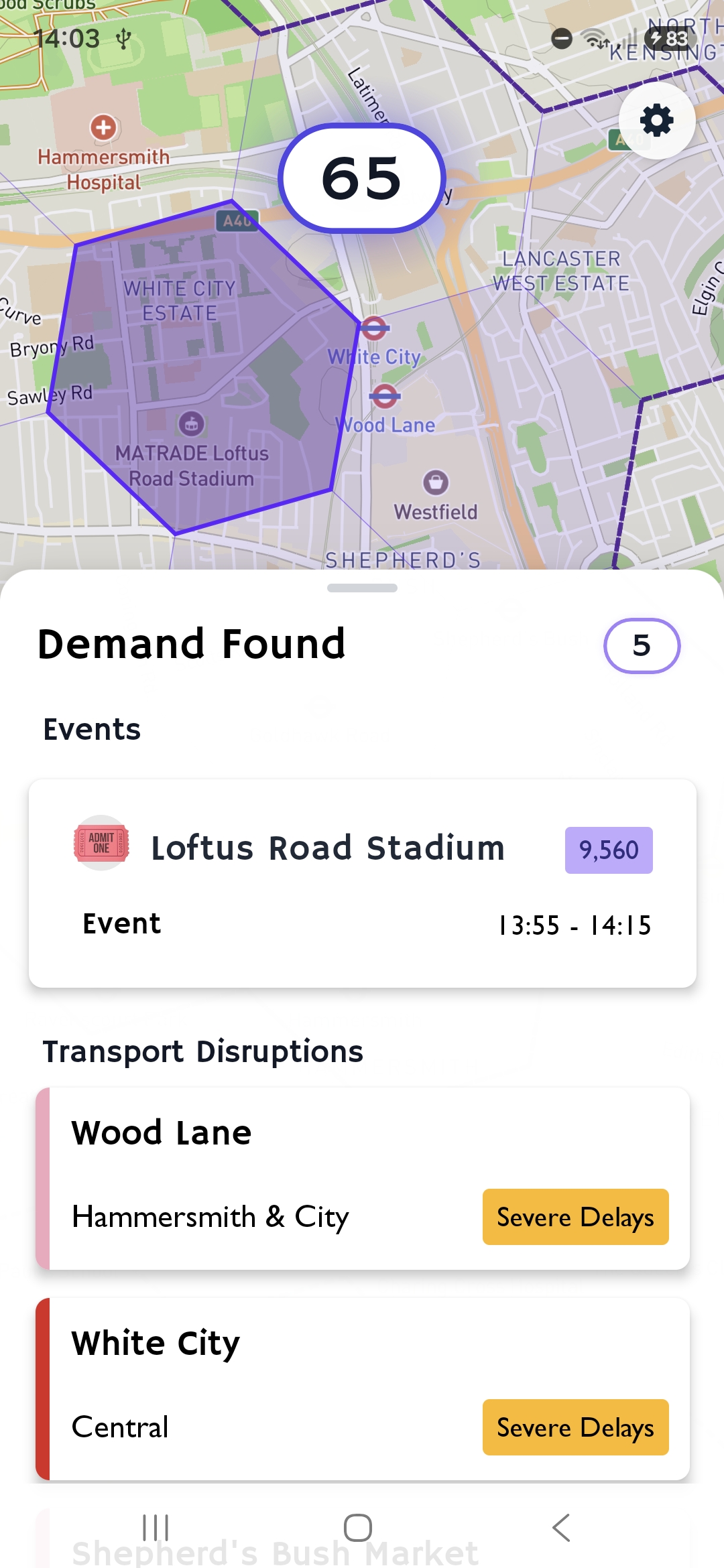
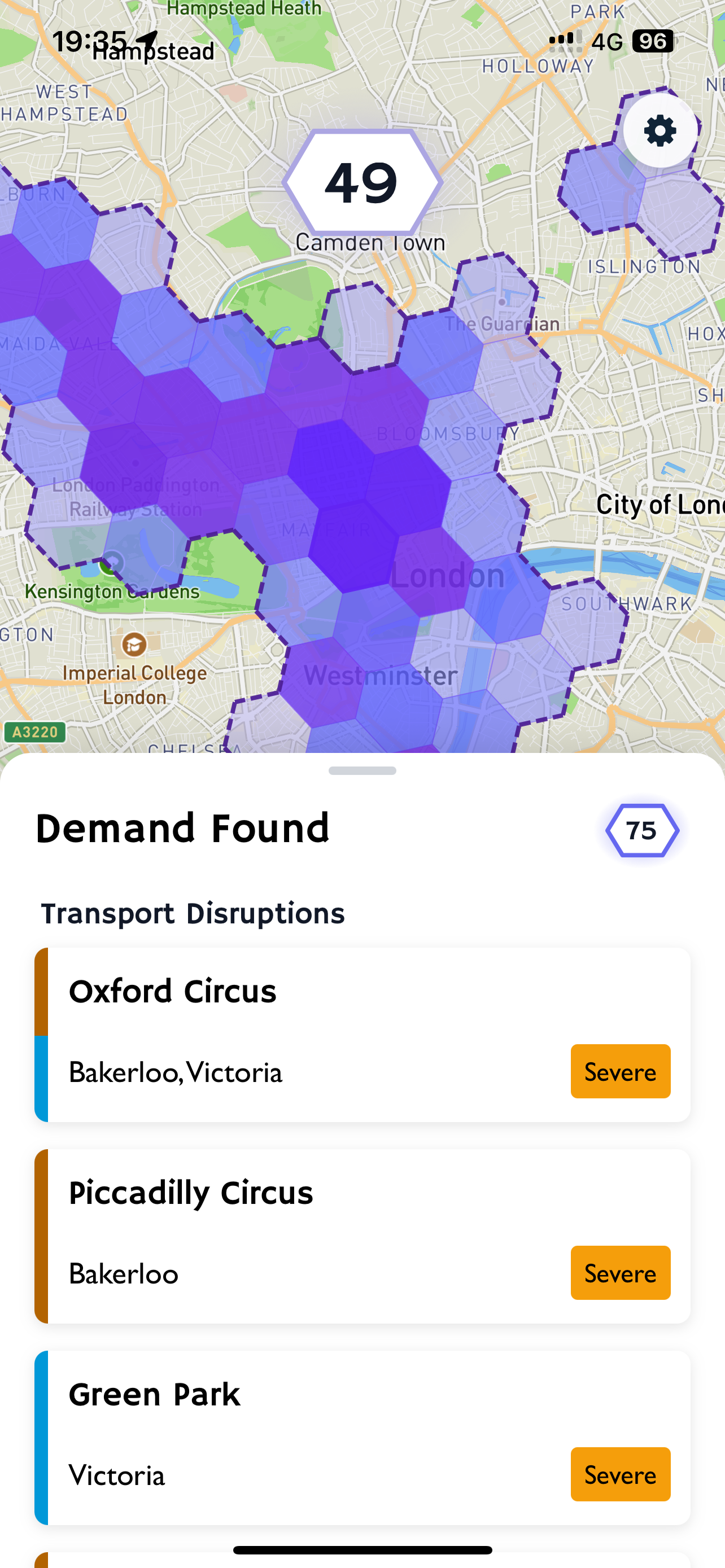
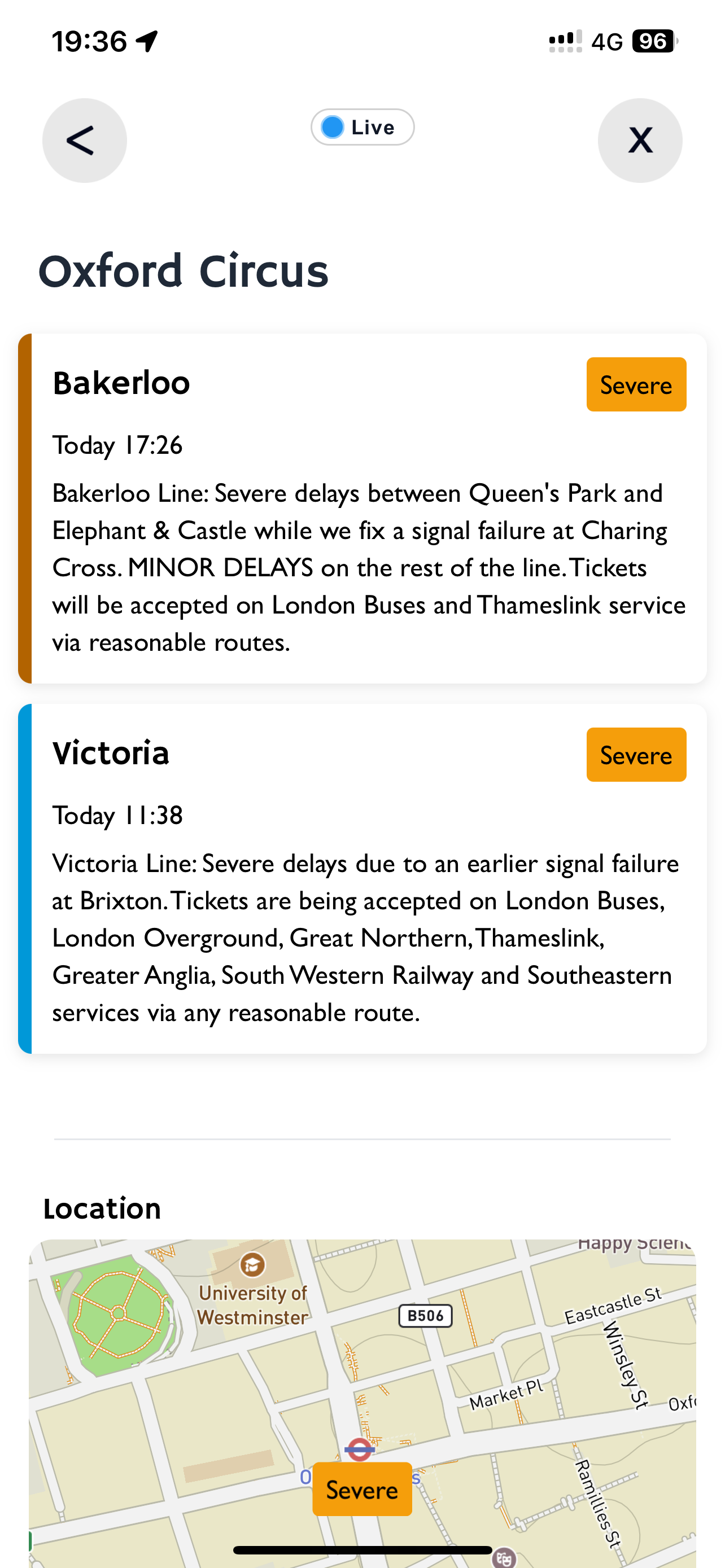
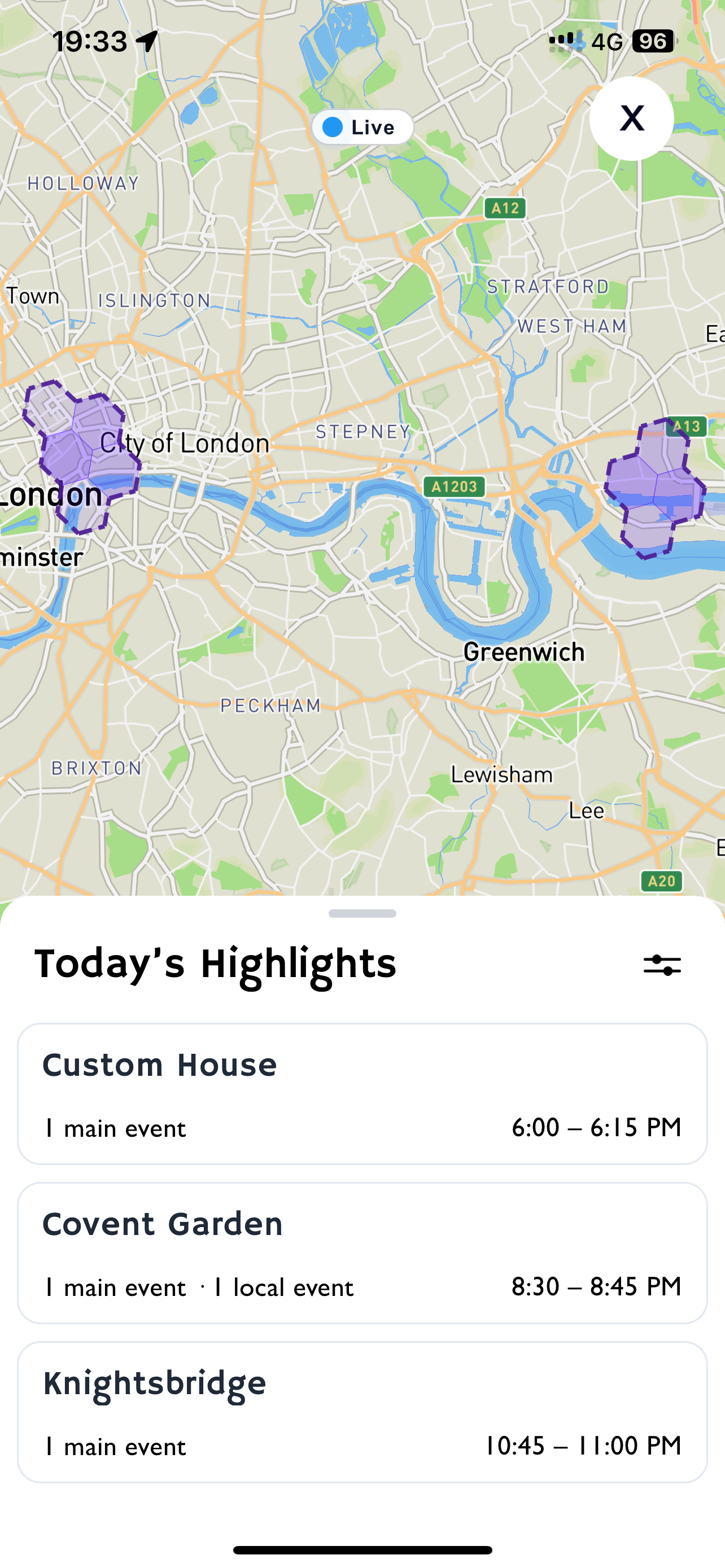
Daily highlights
Plan your day by checking which areas will have demand from events finishing later.
Weekly outlook
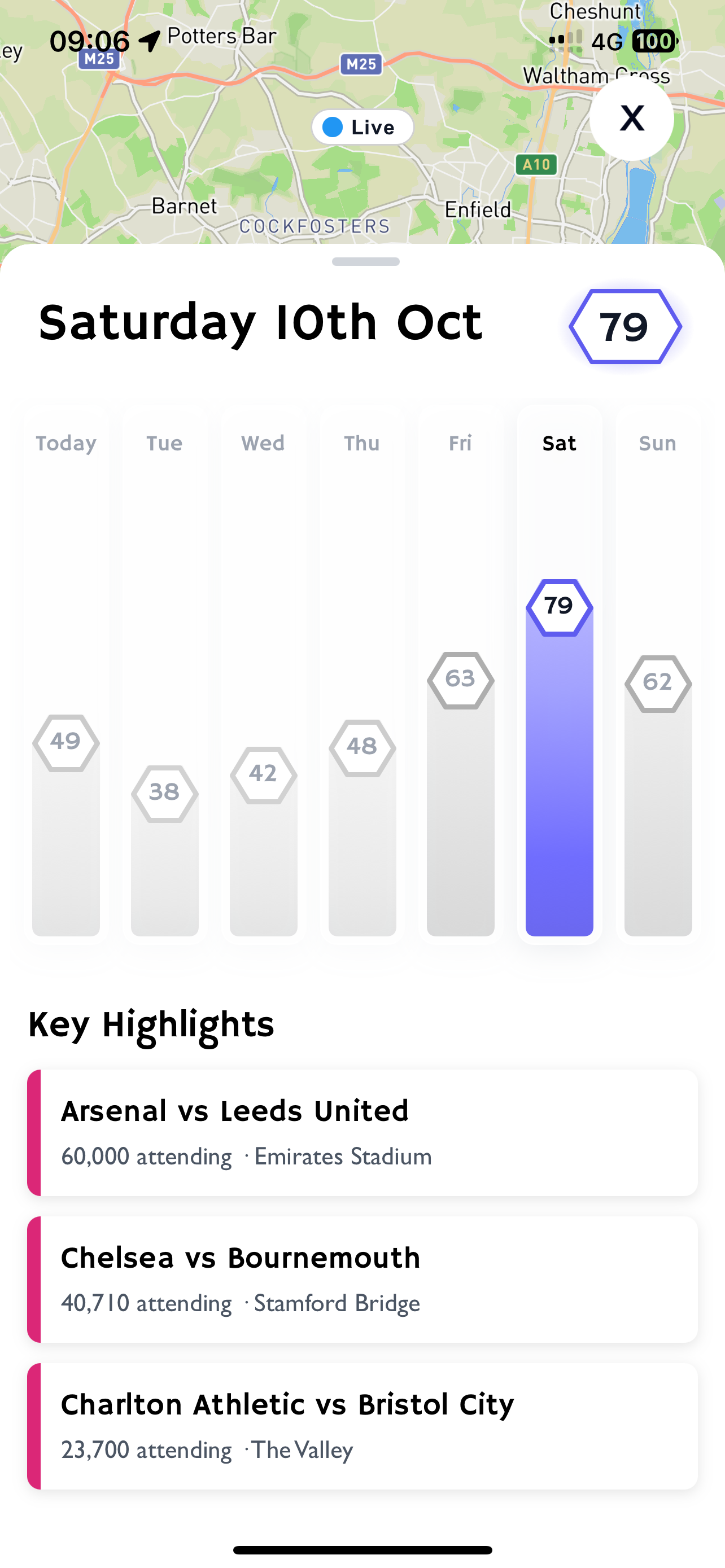
Check the weekly outlook to see which days will be busy and which will be slow.
See what's driving demand, including major events, weather, flight traffic, payday and religious holidays.
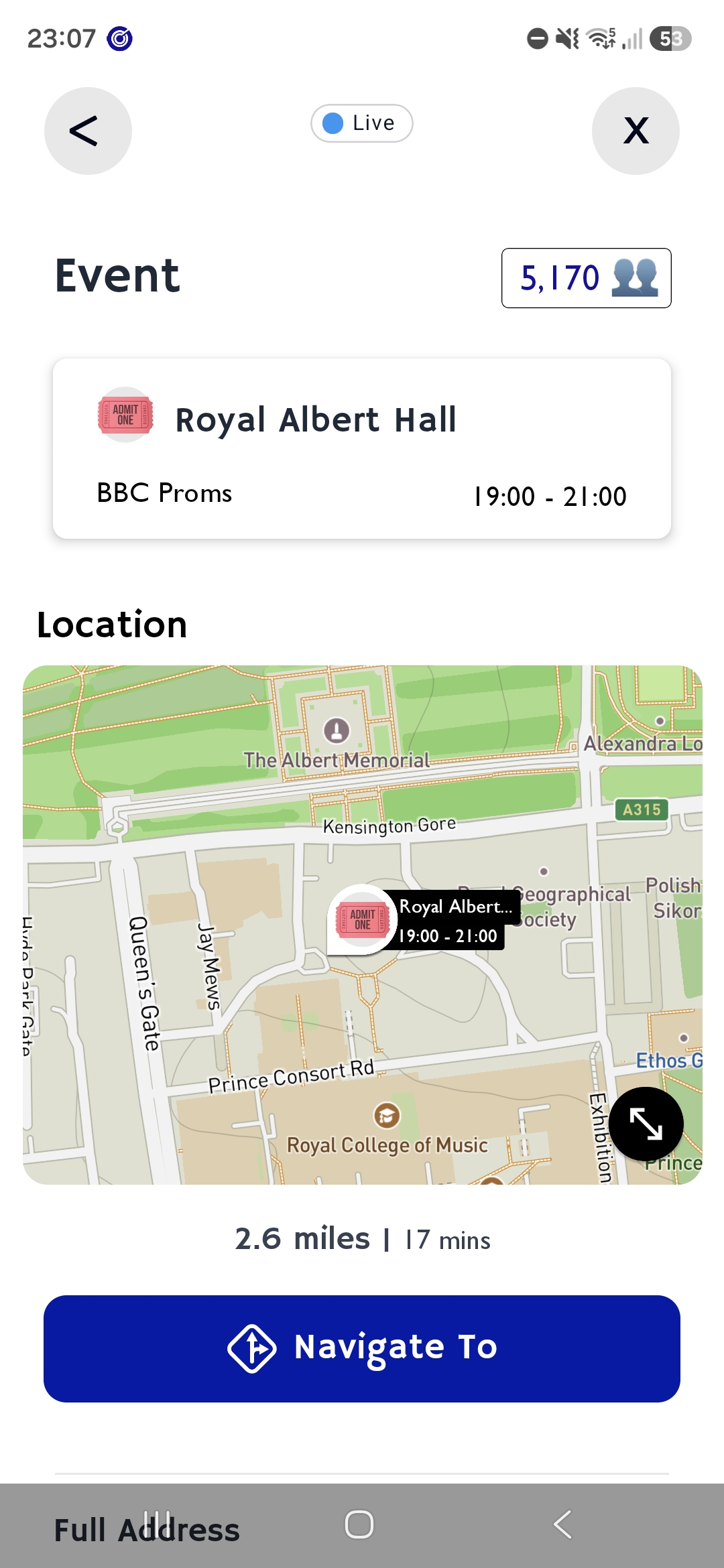
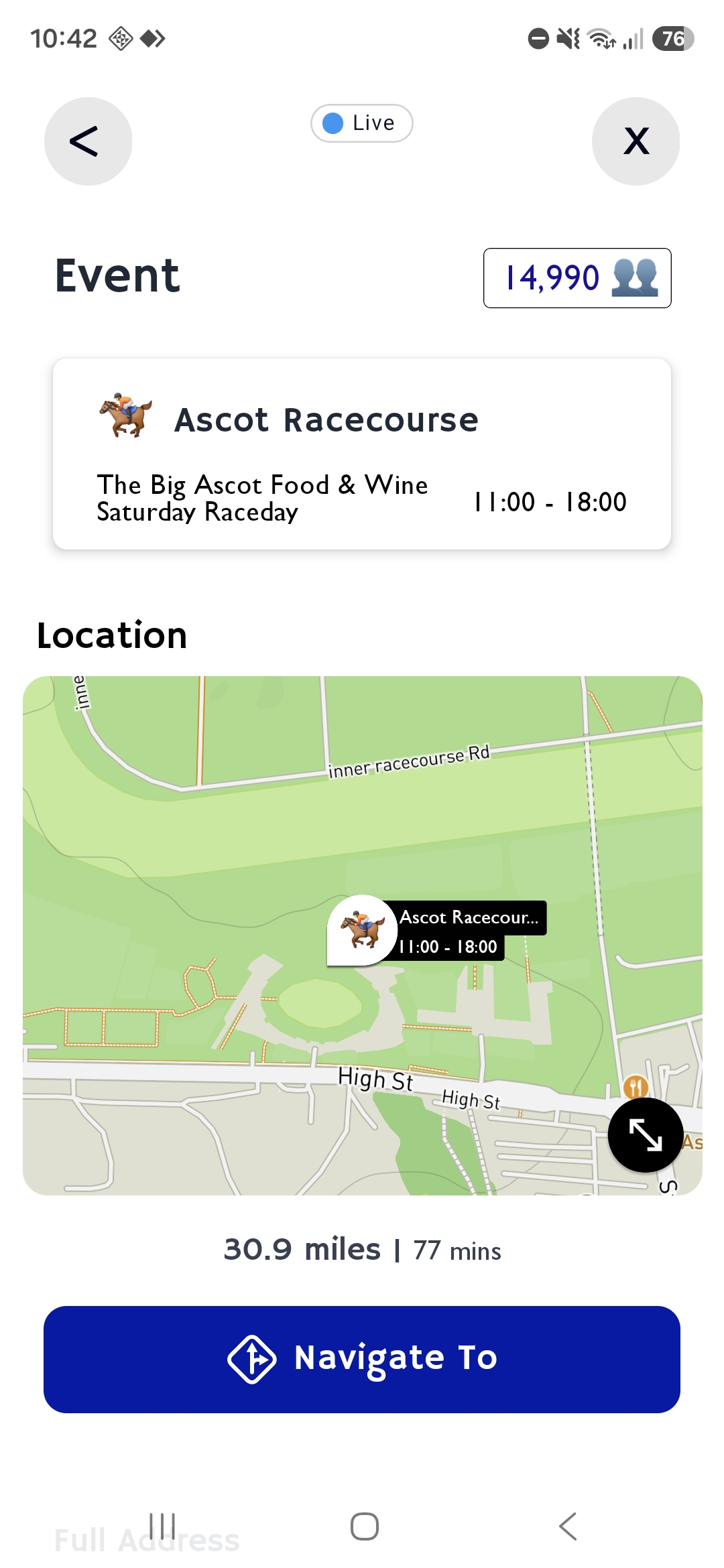
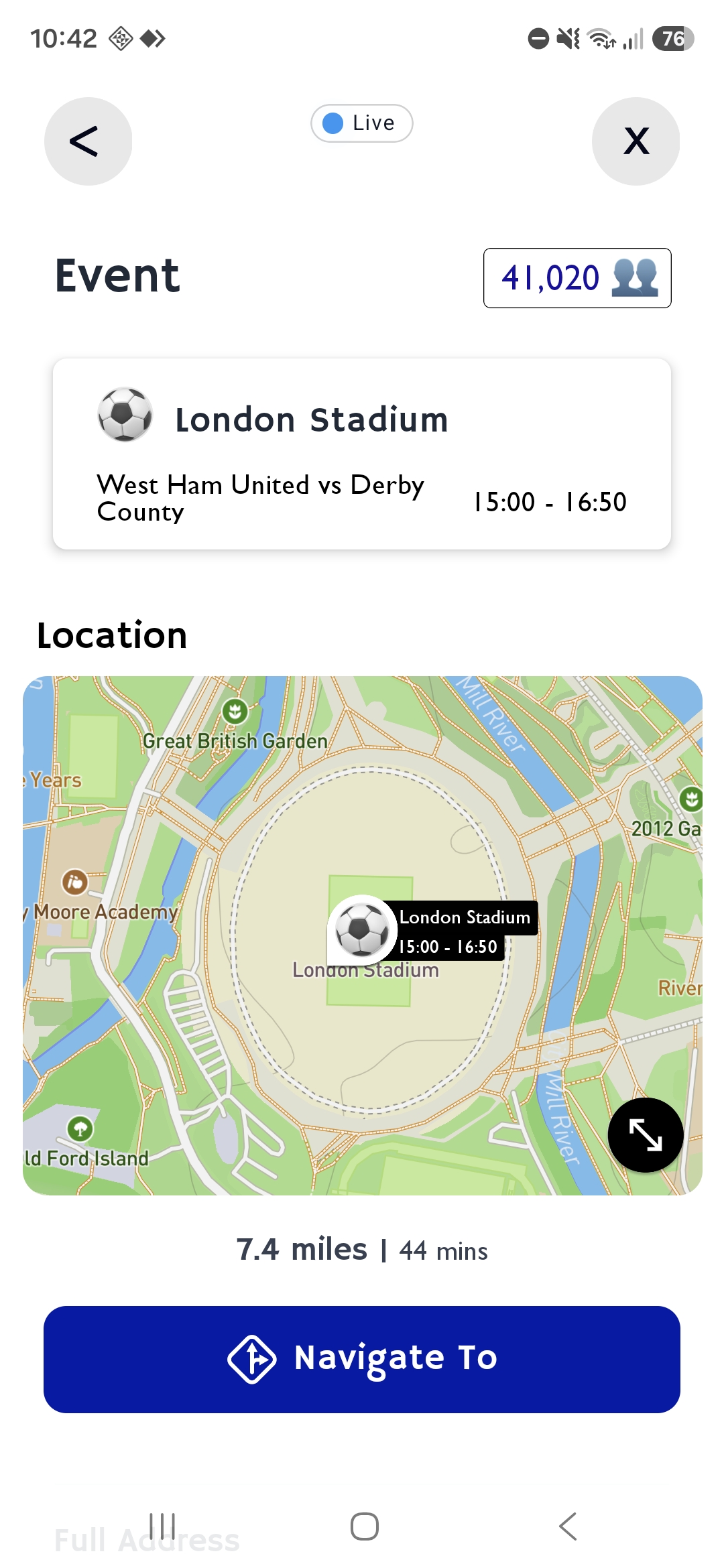
Events
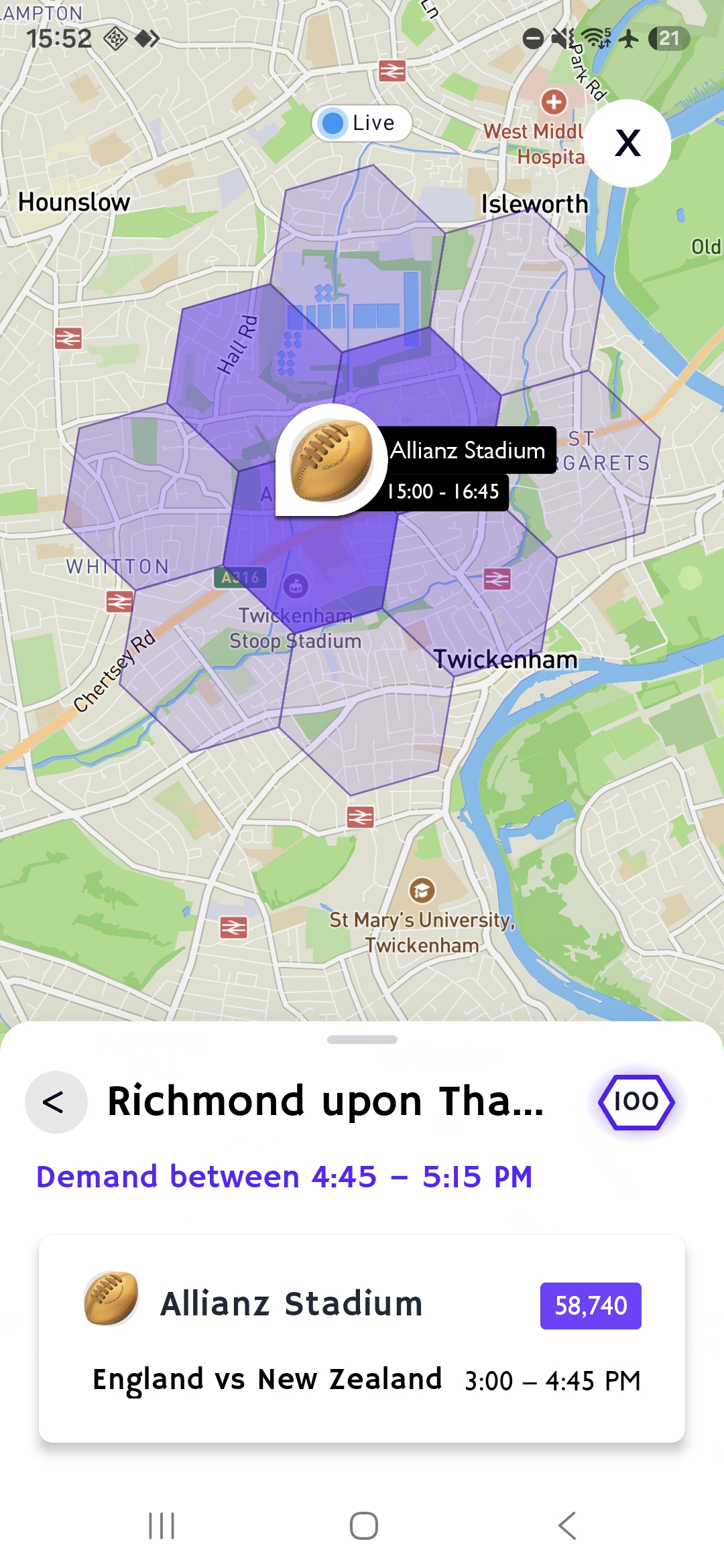
View what events are on at hundreds of venues across London, from big sports events to concerts, expos and conferences.
See how many people will be attending to get an idea of how busy it will be.
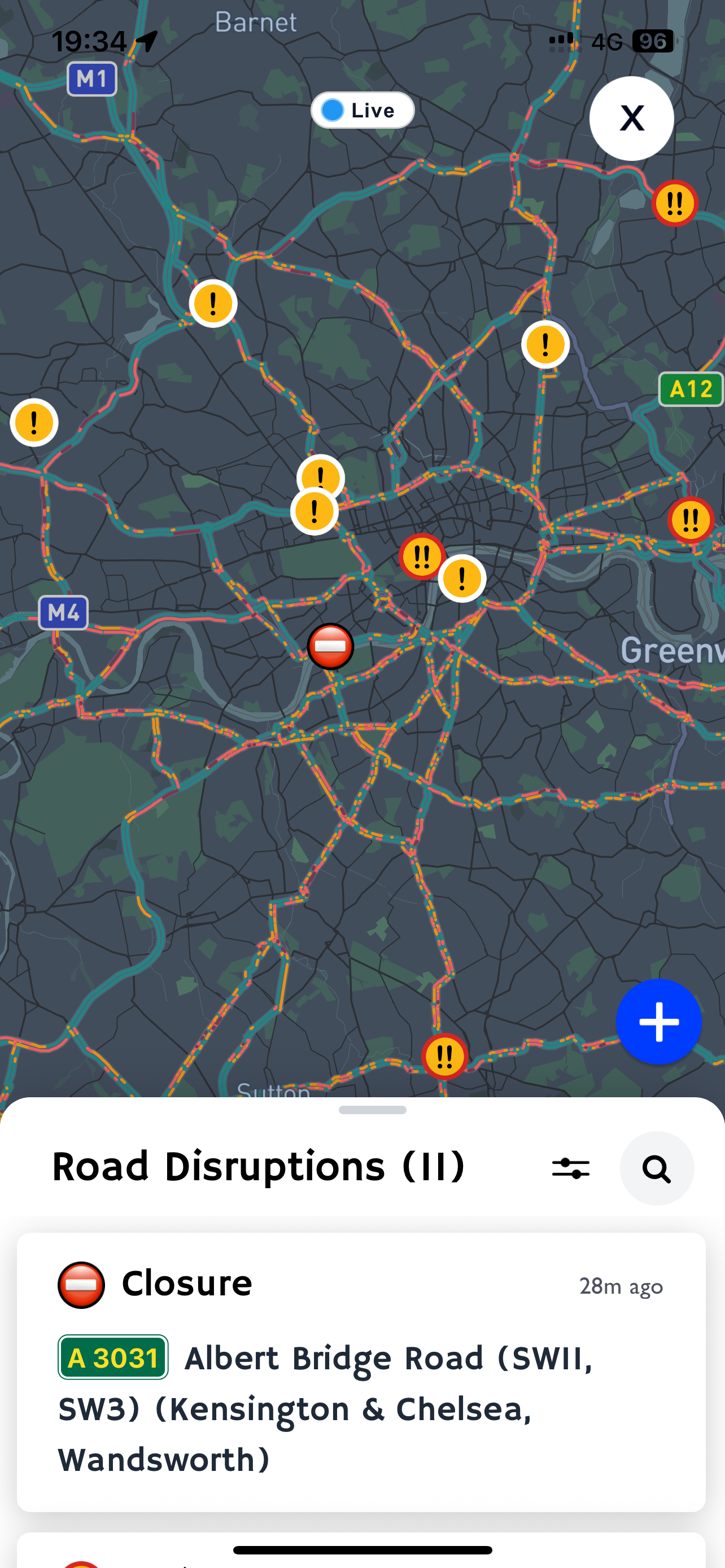
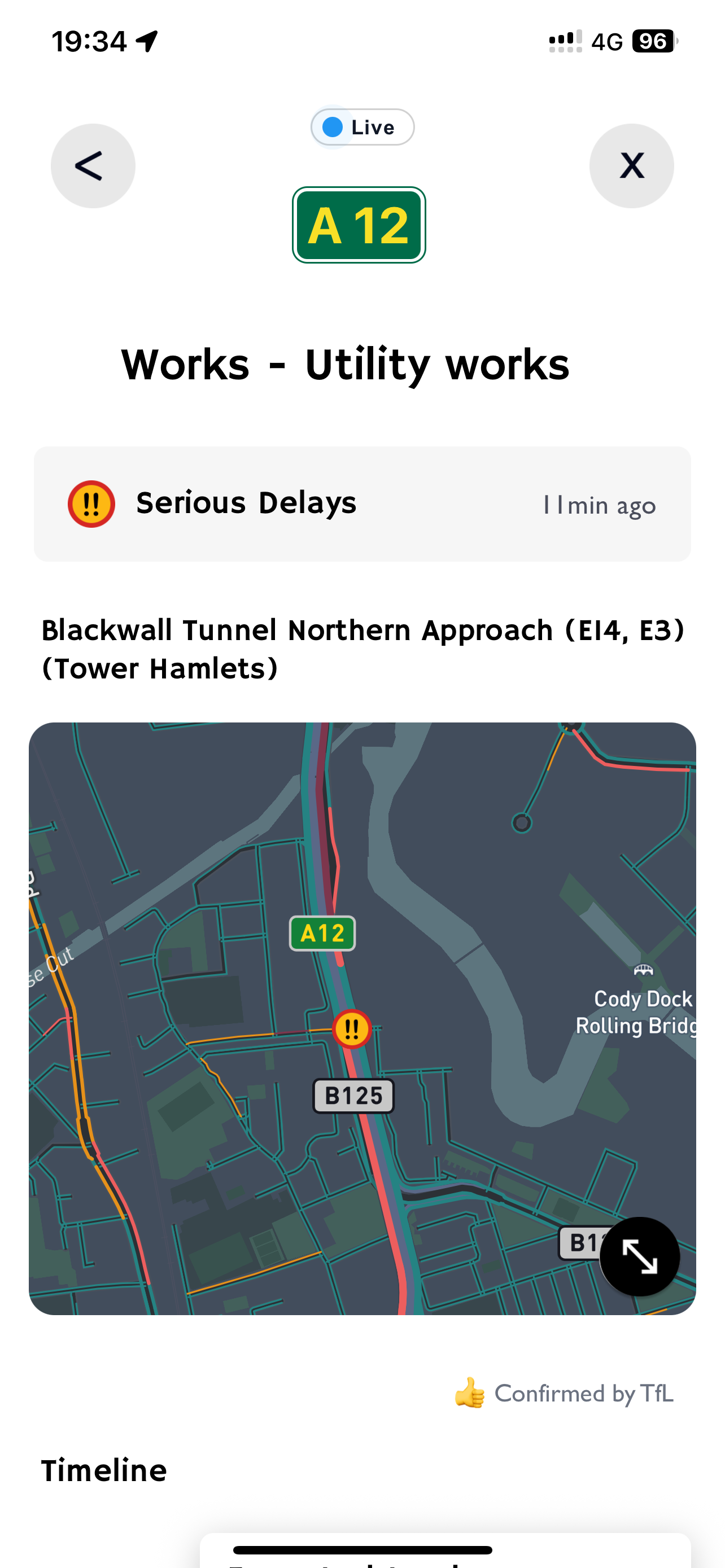
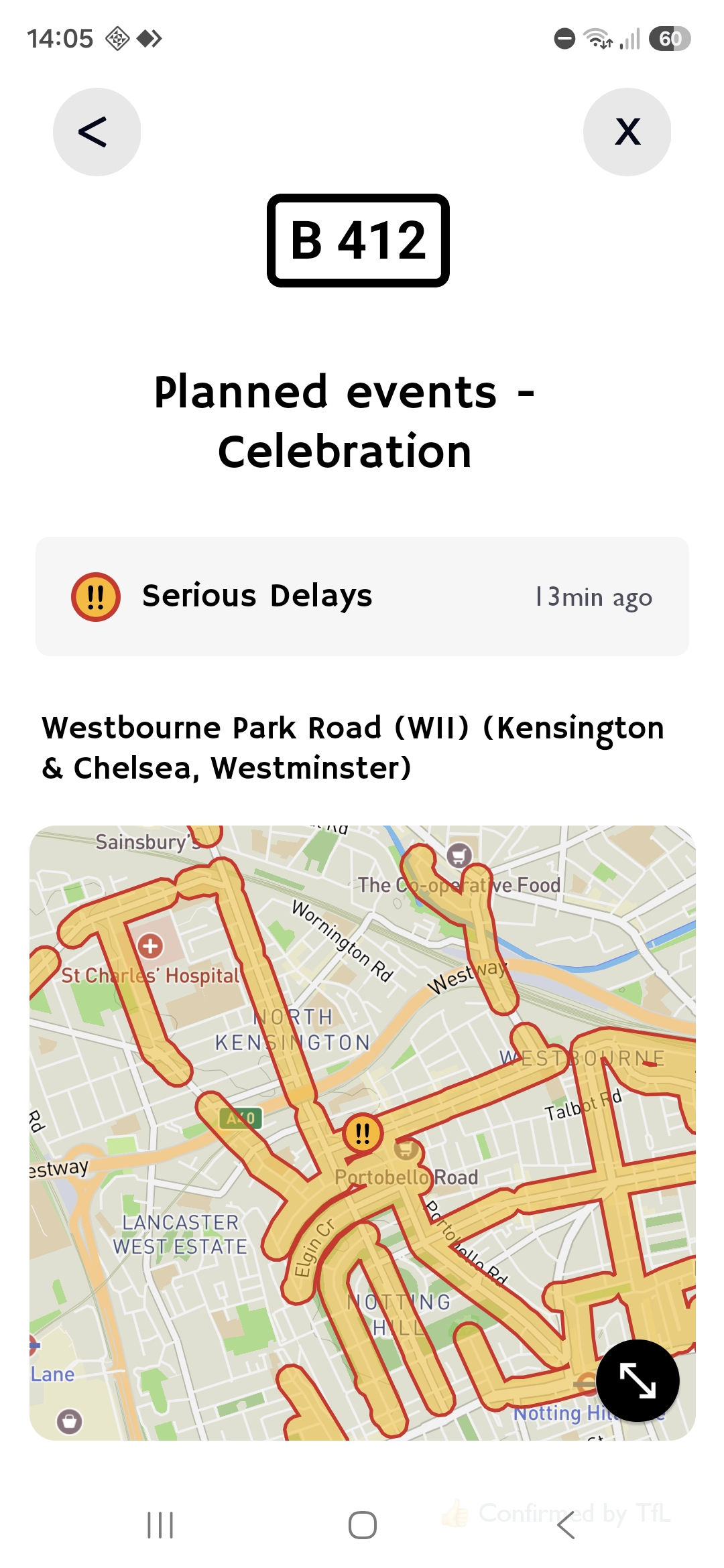
Road disruptions
Blackwall tunnel closed again? Stay updated with live notifications.
Check the latest road works, closures and delays and view incident severities and latest updates.
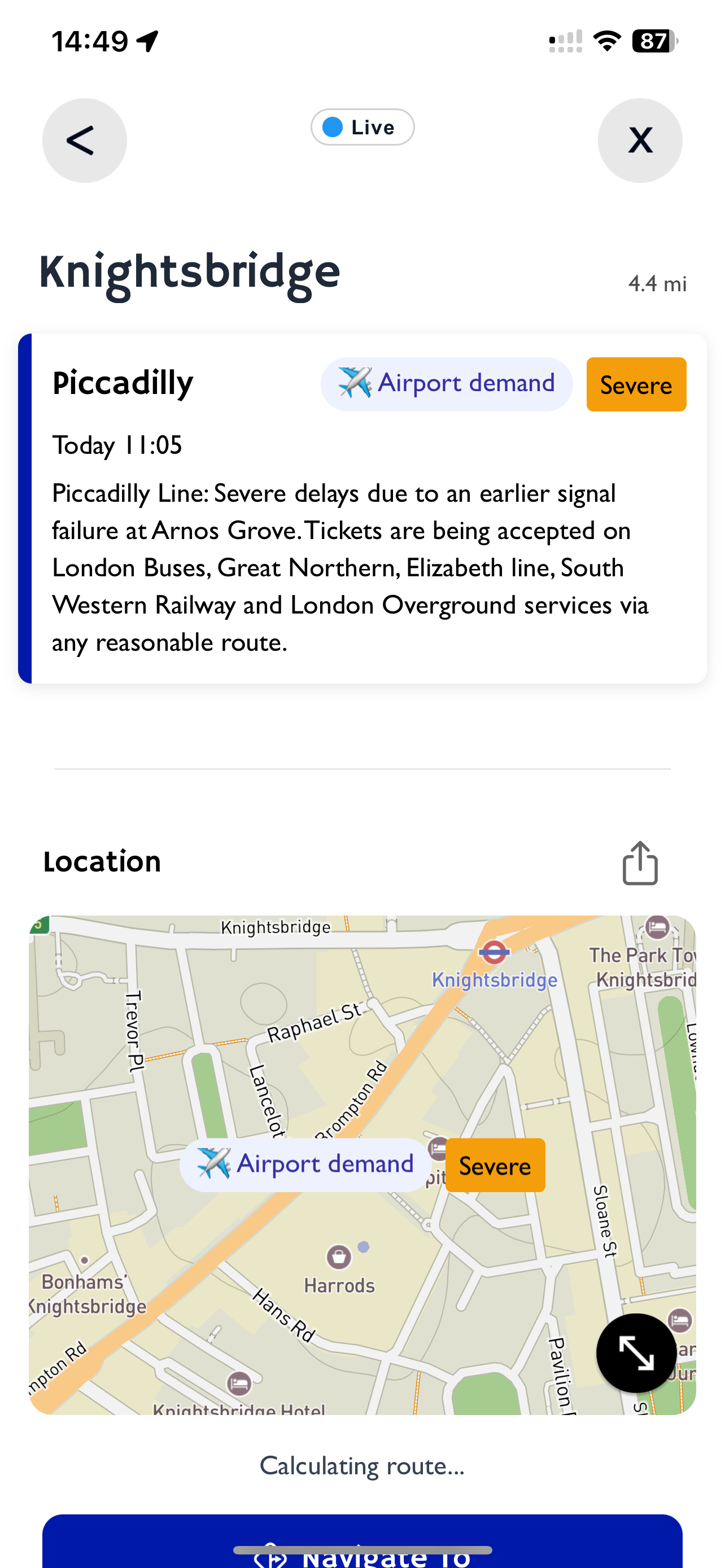
Airport services
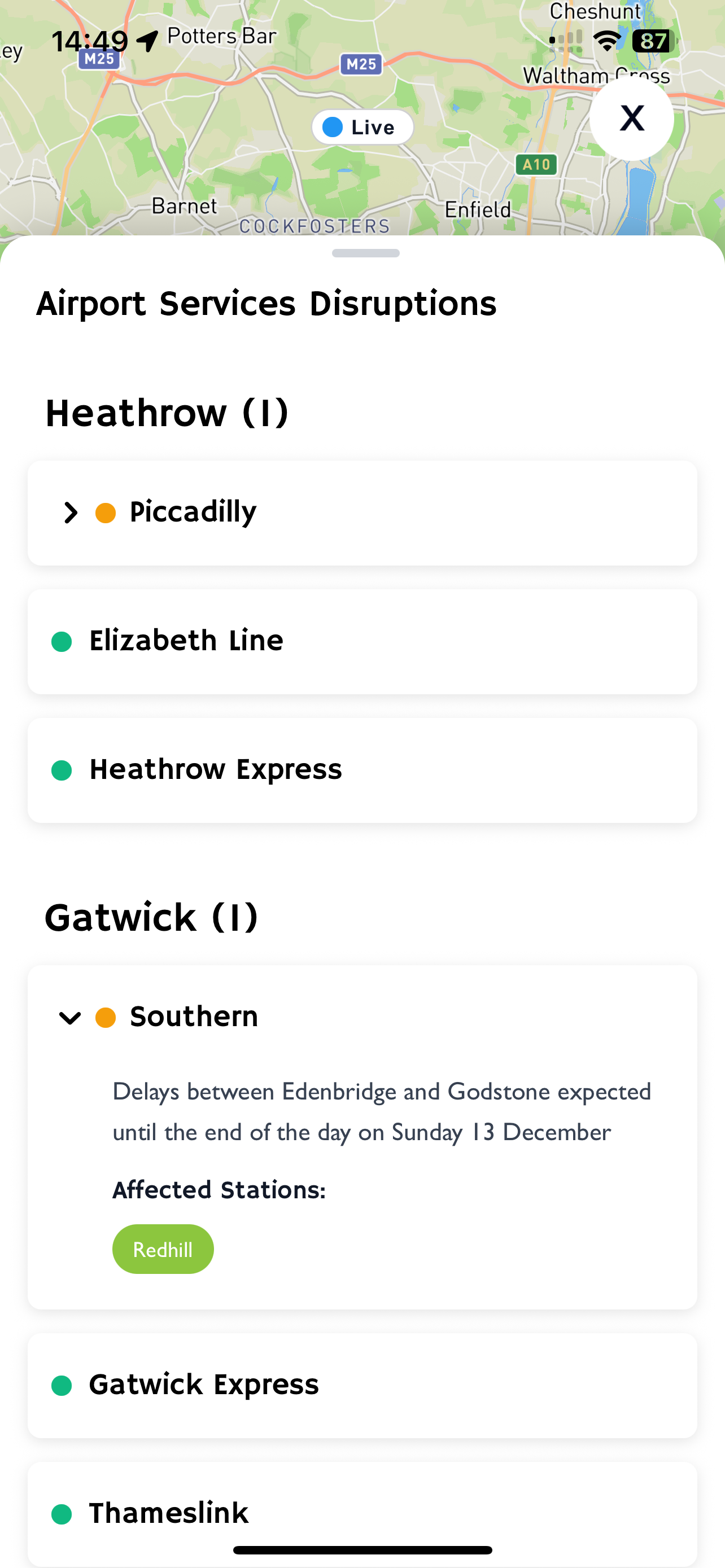
Elizabeth line down at Paddington? Get notified as soon as major airport services are disrupted, so you can spot where passengers might need a taxi.
Know when trains are delayed, suspended or cancelled — and where airport passengers could be looking for another way to travel.
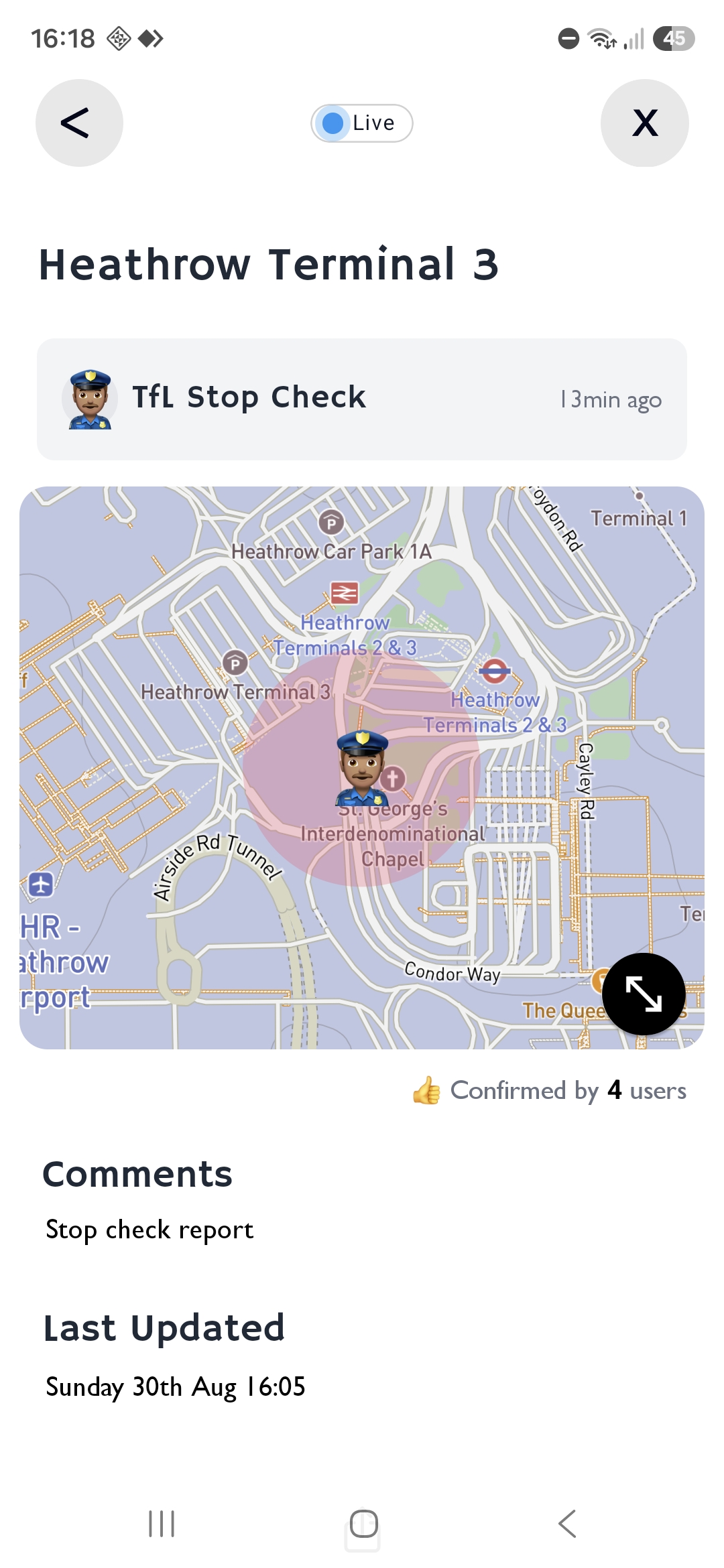
Stop checks
Get live notifications when other drivers report TfL or police stop checks across London. Check if airports and common check points are clear.
FOR TAXI & PHV DRIVERS
Plan your shift with a clearer view of demand, events, roads and transport.
Find busy areas nearby.
Plan around today's events.
See the week ahead.
Check locations and finish times.
Spot closures and delays.
Follow rail and Tube disruption.
Check airport connections.
See nearby driver reports.
CabRadar is an app built for London Taxi & PHV drivers. It helps you find busy areas, see where demand is likely to increase, and stay updated on events, transport disruptions, airport services and road disruptions. Everything you need to plan your shift and find your next job, all in one app.
Yes. CabRadar is free to download and use. You can also upgrade to a paid plan to unlock additional features.
CabRadar tracks transport disruptions, events, flight traffic, weather, mobility data, payday dates, public holidays and driver earning trends to predict areas where taxi and private hire demand is likely to be.
CabRadar covers Greater London, including central and outer London. If you're a driver in another city and would like CabRadar to be available there, get in touch with us.
CabRadar checks your location regularly to send you live notifications about relevant updates near you.
Your location is used to provide these features, not to track your journeys for advertising or sell your movements to third parties.
Apart from your registered email address and the location information needed for app features, CabRadar does not intentionally collect other personal information. For full details, see our Privacy Policy.
Built for London taxi and PHV drivers
Improve your earnings by finding busy times and areas across London.